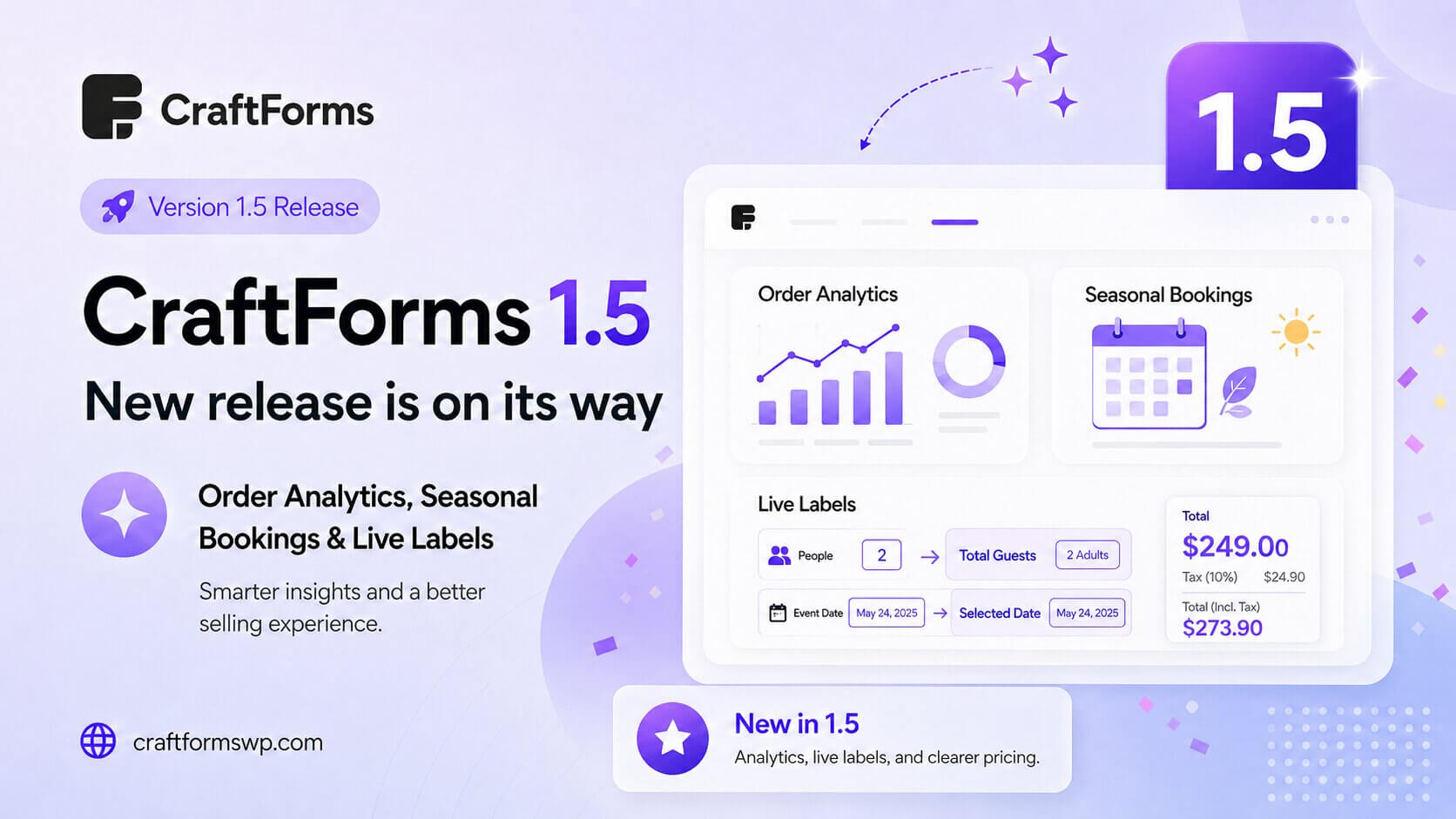
CraftForms 1.5 is on its way, and this release is all about understanding your orders and refining the selling experience. You get a proper order analytics view, a brand-new seasonal booking type for catalog items, form labels that can display live data as customers type, and clearer WooCommerce pricing with taxes shown right next to the product price.
Here’s what to expect in 1.5 before it ships.
Order analytics — see what’s actually happening
The headline of 1.5 is order analytics. Collecting orders is one thing; understanding them is another — and until now that meant exporting data and crunching it elsewhere.
1.5 brings analytics into CraftForms itself, so you can see how your orders are performing without leaving the WordPress admin. It turns the order data you’re already collecting into insight you can act on — spotting trends, tracking volume, and understanding what’s selling.
Seasonal bookings
CraftForms 1.5 adds a new booking type — seasonal — to catalog items. Alongside the existing booking options, “seasonal” is built for anything that runs on a season rather than a fixed daily or per-slot schedule.
Think holiday rentals, seasonal tours, summer-only or winter-only offerings, and any catalog item whose availability and pricing follow the time of year. It’s a natural fit for businesses whose calendar isn’t the same twelve months a year.
Dynamic tags in field labels — labels that respond in real time
In 1.5, form field labels can use dynamic tags. That means a label can display live form data and update as the customer fills the form in — the same way CraftForms already handles info blocks and error messages.
For example, a label reading:
You ordered {{field.qty}} units
updates the moment the customer changes the quantity. It’s a small touch that makes forms feel far more responsive and personal — confirming choices back to the customer as they go, right where they’re looking. Labels without any tags render exactly as before, so nothing about your existing forms changes.
Clearer WooCommerce pricing — taxes shown next to the price
For WooCommerce stores, 1.5 improves how prices are displayed by showing taxes right next to the product price. Customers see the tax picture where they’re already looking at the cost, so the amount they’re committing to is clear before they submit — fewer surprises at checkout, and a more transparent buying experience.
Fixes and polish
1.5 also fixes the “order again” functionality, so returning customers can re-place a previous order smoothly. It’s part of a round of refinements aimed at making the repeat-purchase experience as frictionless as the first one.
Get ready for 1.5
CraftForms 1.5 helps you understand your orders, sell across seasons, and give customers a clearer, more responsive experience. Make sure auto-updates are on so 1.5 arrives the moment it’s released.
New to CraftForms? The free version gives you the full block-based form builder to start with today — order analytics, bookings, and the WooCommerce features arrive with Pro.