
CraftForms 1.4 — PDF Generation, QR Codes, and a Uni CPO Migration Path
- Category
- Release
- Published
- Updated
- Reading time
- 5 min
- Tags
- —
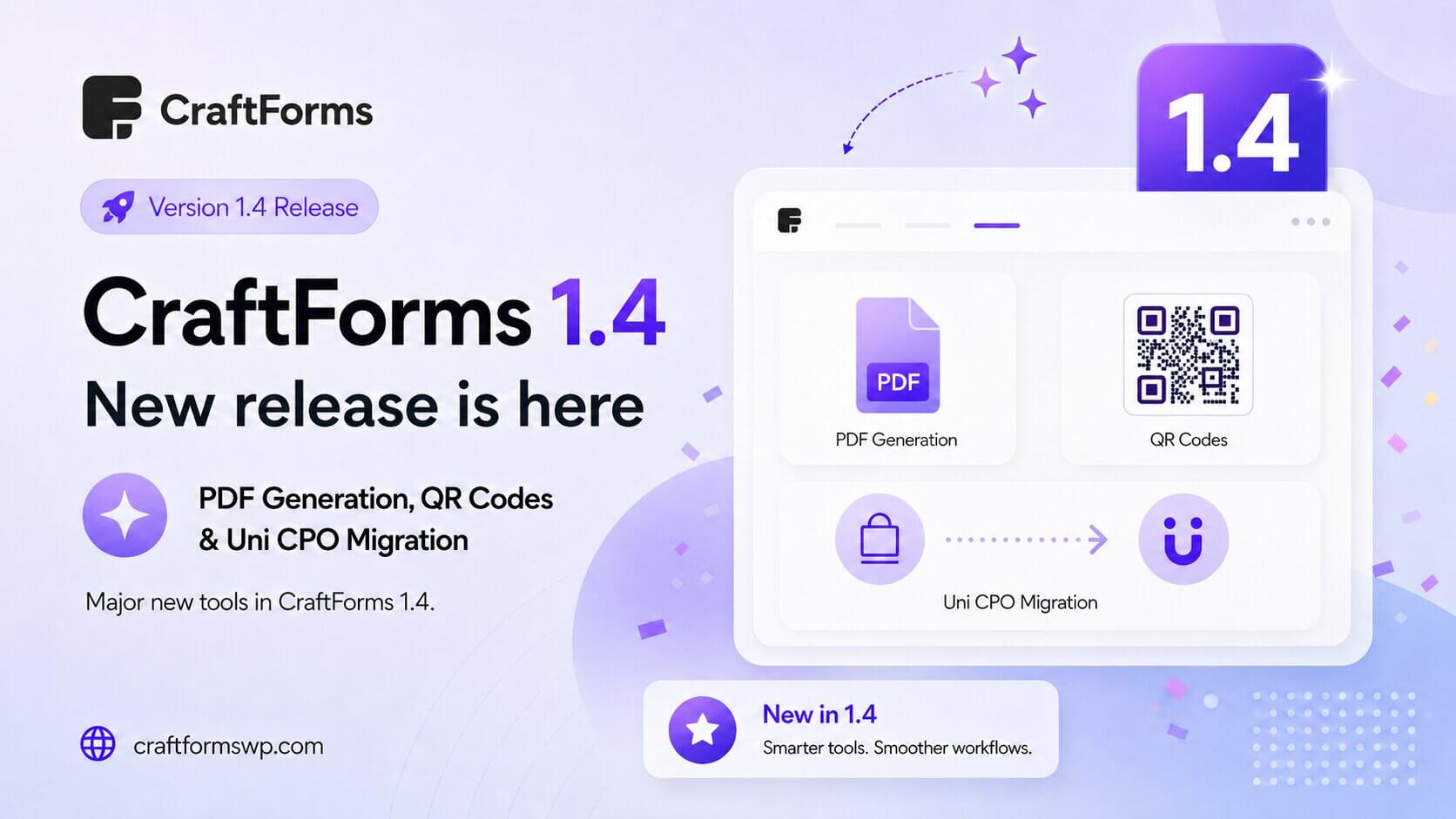
CraftForms 1.4 is almost here, and it’s one of our biggest releases yet. This update takes CraftForms beyond “build a form and collect submissions” into territory most form plugins never touch: it can now design and generate PDF documents from every submission, print QR codes and barcodes right on your forms, and it gives Uni CPO users a real, one-click migration path onto a modern block-based builder.
Here’s a preview of everything landing in 1.4 before it ships.
PDF Builder — design documents, generate them automatically
The headline feature of 1.4 is the PDF Builder. Instead of exporting raw data and formatting it somewhere else, you now design a PDF template inside CraftForms and have a finished document generated automatically from each submission.
Design the layout once — logo, headings, tables, customer details, line items, totals — and CraftForms fills it with the submitted data every time a form comes in. Because templates pull from the same fields, formulas, and pricing your form already uses, the generated document always matches what the customer saw and paid for.
Real-world uses this unlocks straight away:
- Invoices and receipts — a branded PDF with the order breakdown and total
- Event and booking tickets — a printable confirmation the customer can bring along
- Work orders and job sheets — the submitted spec, ready for whoever fulfils it
- Quotes and estimates — a polished document you can send without touching a word processor
Attach generated PDFs where they matter
A generated document is only useful if it ends up in the right place, so 1.4 lets you attach the PDF automatically at the points that count:
- To the submission record in your WordPress admin, so the finished document is stored with the data
- To the WooCommerce order, so it travels with the purchase
- To the confirmation email, so the customer receives their invoice or ticket the moment they submit
No manual exporting, no re-attaching by hand — the document is produced and delivered as part of the normal submission flow.
QR codes and barcodes, built into your forms
CraftForms 1.4 adds a dedicated QR code / barcode block. Drop it into a form (or a PDF template) and it renders a scannable code server-side — no external service, no third-party script.
Pair it with the PDF Builder and the possibilities get interesting:
- Event tickets with a QR code you can scan at the door
- Inventory and shipping labels with a barcode for your warehouse workflow
- Booking confirmations that link straight to an order or check-in page
Because the codes are generated on the server, they render reliably inside emails and PDFs — not just in the live browser preview.
Interactive elements
Forms in 1.4 get more interactive elements, giving you richer, more dynamic form experiences than a static stack of fields. It’s another step toward forms that respond to what the customer is doing rather than just collecting whatever they type in — a great fit for configurators, product builders, and anything where the form should feel like an app.
Image conditional logic
Conditional logic in CraftForms already lets you show, hide, enable, and disable fields based on what the customer selects. In 1.4 that same logic extends to images.
That means you can show or swap an image based on a field value — display the product photo that matches the colour a customer just picked, reveal a diagram when a particular option is chosen, or preview the exact variant being configured. It’s a natural fit for product-preview and personalization scenarios, where seeing the choice is far more convincing than reading it.
Migrate from Uni CPO — bring your existing products across
If you’ve been running Uni CPO, 1.4 gives you a real way off it. The new Uni CPO importer reads your existing Uni CPO products and brings them into CraftForms, so you don’t have to rebuild every configurator by hand.
We’ve been refining this heavily — the release includes an improved migration script that closes gaps around formulas, field visibility, and how options carry over, so more of your setup lands correctly on the first pass. It’s the difference between “start over” and “keep going where you left off,” on a builder that’s actively maintained.
Now in five languages
CraftForms 1.4 ships with full translations for German, Spanish, Italian, Polish, and Ukrainian. If you or your clients work in any of those languages, the admin experience now speaks it out of the box — with English as the fallback wherever a string isn’t yet translated.
For developers and power users
1.4 isn’t only about visible features — it also sharpens the tools underneath.
- New
craftforms_pre_submithook — run your own code at the moment a submission is received, before it’s processed. Ideal for custom validation, enrichment, or wiring CraftForms into your own systems. - “Used In” column now shows WooCommerce product usage — the forms list makes it clear which WooCommerce products a form is attached to, not just which pages, so you always know what you’ll affect before you edit.
- UI and stability polish — a round of interface and reliability fixes across the plugin.
Get ready for 1.4
CraftForms 1.4 turns your forms into a document-producing, code-scanning, product-configuring engine — and gives Uni CPO users a maintained builder to move onto. Keep an eye on the plugin updates screen, and if you’re already running CraftForms, make sure auto-updates are on so you get 1.4 the moment it lands.
Not using CraftForms yet? The free version gives you the full block-based form builder to try today — the PDF Builder, pricing, payments, and order management arrive with Pro.