
CraftForms + WooCommerce: Custom Product Options
- Category
- Video
- Published
- Updated
- Reading time
- 1 min
- Tags
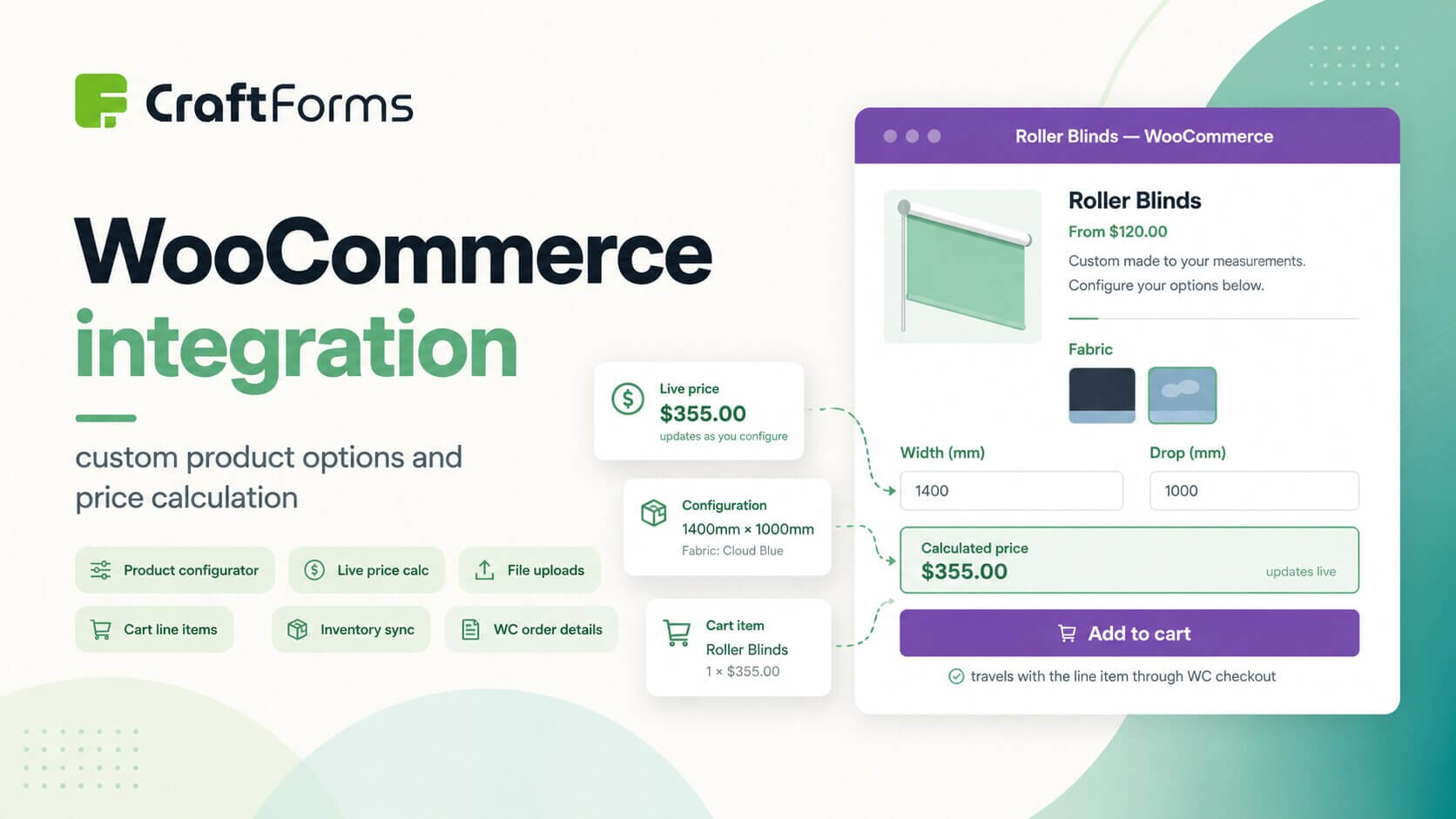
WooCommerce handles the checkout, the cart, and the order flow well — but it has a long-standing gap when it comes to collecting custom configuration from the customer before they add to cart. The default product options are limited, and the plugins that fill that gap tend to be either overly complex or disconnected from the rest of your site. CraftForms Pro bridges that gap by letting you attach any form you build in Gutenberg directly to a WooCommerce product page.
Inventory is another area where the integration earns its place. Stock defined in the CraftForms Catalog and WooCommerce product stock stay in sync automatically — so whether a sale comes through the CraftForms order system or the WooCommerce checkout, the available quantity updates in both places. This matters most when you are selling physical or made-to-order products where overselling is a real problem.
The wider point the tutorial demonstrates is flexibility: one CraftForms form can serve multiple WooCommerce products, each with its own pricing logic and default options defined at the catalog item level. If you sell a range of products that share the same configuration structure — different materials, different size ranges, different price tables — you build the form once and create a catalog item per product. The full tutorial is on YouTube.