
Add a Real Form Backend to Your Astro Site (Not Just Email)
- Category
- Tutorial
- Published
- Updated
- Reading time
- 4 min
- Tags
Astro is a joy to build with, right up until you need a form. Then you hit the wall every static-site developer hits: there’s no server to receive the submission. The quick fix is a hosted endpoint that emails you the result — fine for a single contact form, painful the moment you need many forms with real logic.
Take a summer camp site. It needs a registration form, a medical form, a photo-release form, a liability waiver, maybe a payment. Some fields are required only if an earlier answer was “yes.” Files get uploaded. Confirmation emails go out. A mailto-style endpoint can’t do any of that, and wiring five of them up — each with its own dashboard and submission cap — is its own small nightmare.
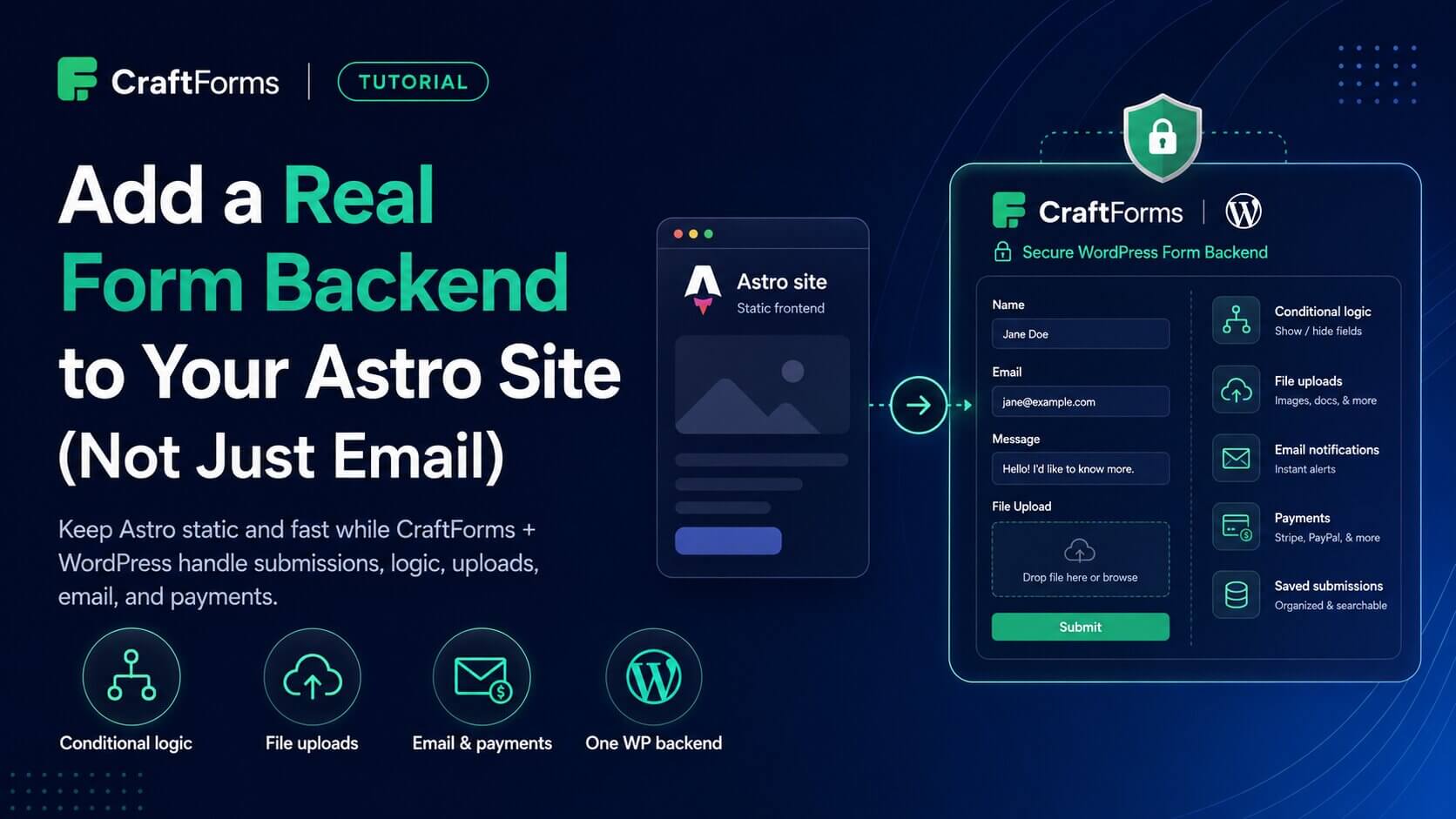
There’s a better shape: keep Astro static and fast, and point every form at one WordPress backend running CraftForms. WordPress does what it’s good at (storing, validating, routing, emailing); Astro does what it’s good at (serving fast static pages). Here’s how to connect them.
This is the Astro-specific walkthrough. New to the whole idea? Headless WordPress + a Static Frontend, Explained covers why this shape works before you wire it up. And to lock the WordPress backend down to near-zero attack surface, see Use WordPress as a Locked-Down Form Backend for Static Sites.
How it works
You build the form once in WordPress with CraftForms. On your Astro page you drop a small component that renders a placeholder. At runtime a tiny script (embed.js) fetches the live form from your backend and boots it in place. Submissions post back to the backend, which validates and stores them.
Nothing about your form lives in the Astro build — so you can edit fields, validation, or pricing in WordPress and the change appears without rebuilding the site.
Why it stays fast
The Astro page was already instant — it’s static. The form doesn’t change that. Once it boots, everything the visitor does happens in the browser: conditional fields show and hide, and if it’s a product form, the price recalculates on every option change with no backend call. The only time the backend is touched is the final submit. So a camper’s parent can work through a multi-field registration, toggling options and watching the total update, without a single round-trip — and your WordPress backend does almost nothing per visit. Fast page, fast form, quiet server.
Setup
1. Build the forms in CraftForms
Registration, medical, release, waiver — each is a normal CraftForms form. Add conditional logic (show the guardian-signature field only for under-18s), file upload fields, and email notifications. This is standard CraftForms; nothing Astro-specific yet.
2. Enable external submissions + create an embed key
For each form: Submission settings → Allow External Submissions. Then CraftForms → Settings → Embed → create an embed key bound to your Astro domain (e.g. camp.example.com). Copy each key. The key encodes your WordPress URL, so the Astro side never hard-codes it.
3. Add the component
Copy CraftForm.astro from the plugin’s examples/static-site/astro/ into src/components/. Set your backend URL once in .env:
PUBLIC_CRAFTFORMS_WP_URL=https://forms.example.com
Then use it anywhere:
---
import CraftForm from "../components/CraftForm.astro";
---

<h1>Camp registration</h1>
<CraftForm embedKey="aHR0cHM6Ly9mb3Jtcy5leGFtcGxlLmNvbQ.abc123" />

<h2>Photo release</h2>
<CraftForm embedKey="aHR0cHM6Ly9mb3Jtcy5leGFtcGxlLmNvbQ.def456" />
Multiple forms on one page are fine — the loader upgrades every placeholder and injects each shared asset only once.
Under the hood the component emits:
<div data-craftforms-embed="…"></div>
<script is:inline defer src="https://forms.example.com/wp-content/plugins/craftforms/build/webcomponents/embed.js"></script>
is:inline tells Astro to leave the external loader alone rather than bundling it.
What you get that a hosted endpoint can’t do
- Conditional logic — fields that appear based on earlier answers, all evaluated in the browser.
- File uploads — waivers, medical documents, ID photos, stored on your backend.
- Validation that means something — required fields, formats, min/max, custom rules, enforced server-side.
- Real email — branded confirmations to the parent, notifications to staff, with attachments.
- Payments — take a deposit with Stripe inside the same form.
- Your data, your server — submissions live in your WordPress database, not a third party’s, with no monthly submission cap.
Is it secure?
The submission endpoint is public — that’s the point — but it isn’t naive:
- The embed key is bound to your domain; the backend checks the request
Originand refuses others. - Anything money- or capacity-related (price, stock, booking slots) is re-computed server-side and rejected if tampered.
- The WordPress install itself is locked down: one plugin, no public pages, no XML-RPC, hidden login.
On spam: a public endpoint attracts bots, but CraftForms runs a built-in anti-spam check on every submission, so you’re covered out of the box — no CAPTCHA to bolt on. If you want an extra layer for a high-traffic public form, require a request header (Submission settings → Required headers) that only your embed sends — a lightweight gate most drive-by bots won’t clear.
The result
Your camp site stays a static Astro build — instant to load, trivial to host. But every form on it is a real form: logic, files, email, payments, and submissions you own. One backend serves them all, and editing a form never means redeploying the site.
Embedding and external submissions are CraftForms PRO features.