
Build a Framed Picture Configurator in WooCommerce — Inspired by Minted
- Category
- Video
- Published
- Updated
- Reading time
- 2 min
- Tags
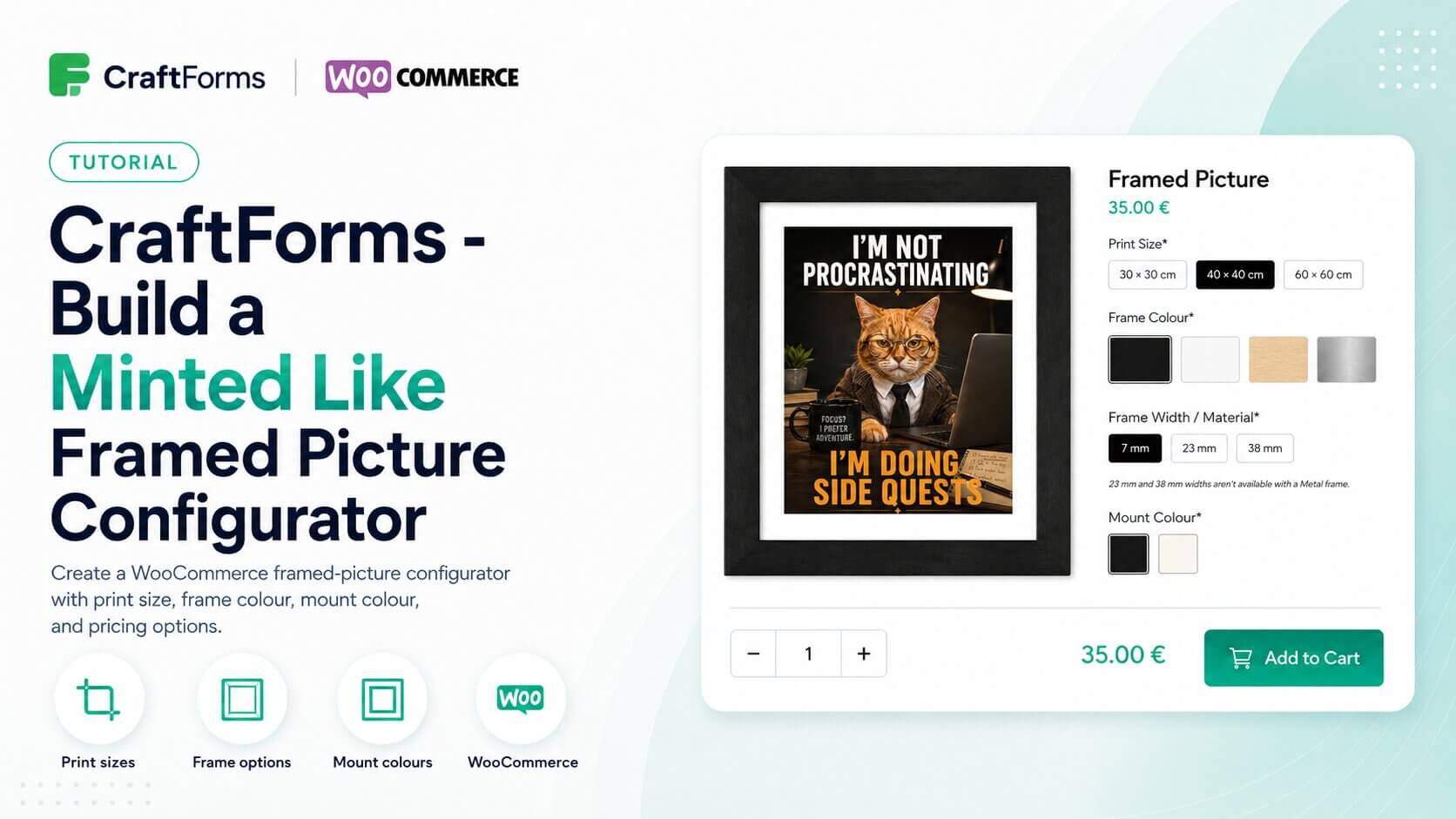
Minted is a good example of how a framed art product should be sold online. The customer picks a print size, chooses a frame colour and material, selects a frame width, picks a mount colour, and sees the product image update with every choice — so what they’re about to buy is always visible. In this tutorial we build that same experience in WordPress using CraftForms Pro and WooCommerce, including one feature that goes a step further: a room preview that composites the configured frame onto a scene photo of an empty wall.
The form uses a print size selector to set the base price, with frame colour presented as image swatches that trigger a live product image update when selected. Frame width options use conditional logic to automatically disable widths that aren’t compatible with the selected frame material — so a Metal frame correctly restricts the available width options without any manual intervention from the customer. Mount colour is a second swatch selector. All of these options feed into a Smart Variable price formula that displays a live total as the customer configures. The environment preview is handled by a scene image uploaded in advance; as the customer selects different frame colours and sizes, the product preview is composited into the scene so they can visualise the finished piece on a real wall before committing.
On submission, all selected options and the calculated price travel with the line item through standard WooCommerce checkout and appear on the order in the admin panel exactly as configured. This approach works for any product where the visual result matters before purchase — framed prints, canvas art, custom posters, or any made-to-order wall piece.
The video tutorial is available here, and CraftForms Pro is available at craftformswp.com.