
Build a Custom Wallpaper Configurator in WordPress — Inspired by HappyWall
- Category
- Video
- Published
- Updated
- Reading time
- 2 min
- Tags
- —
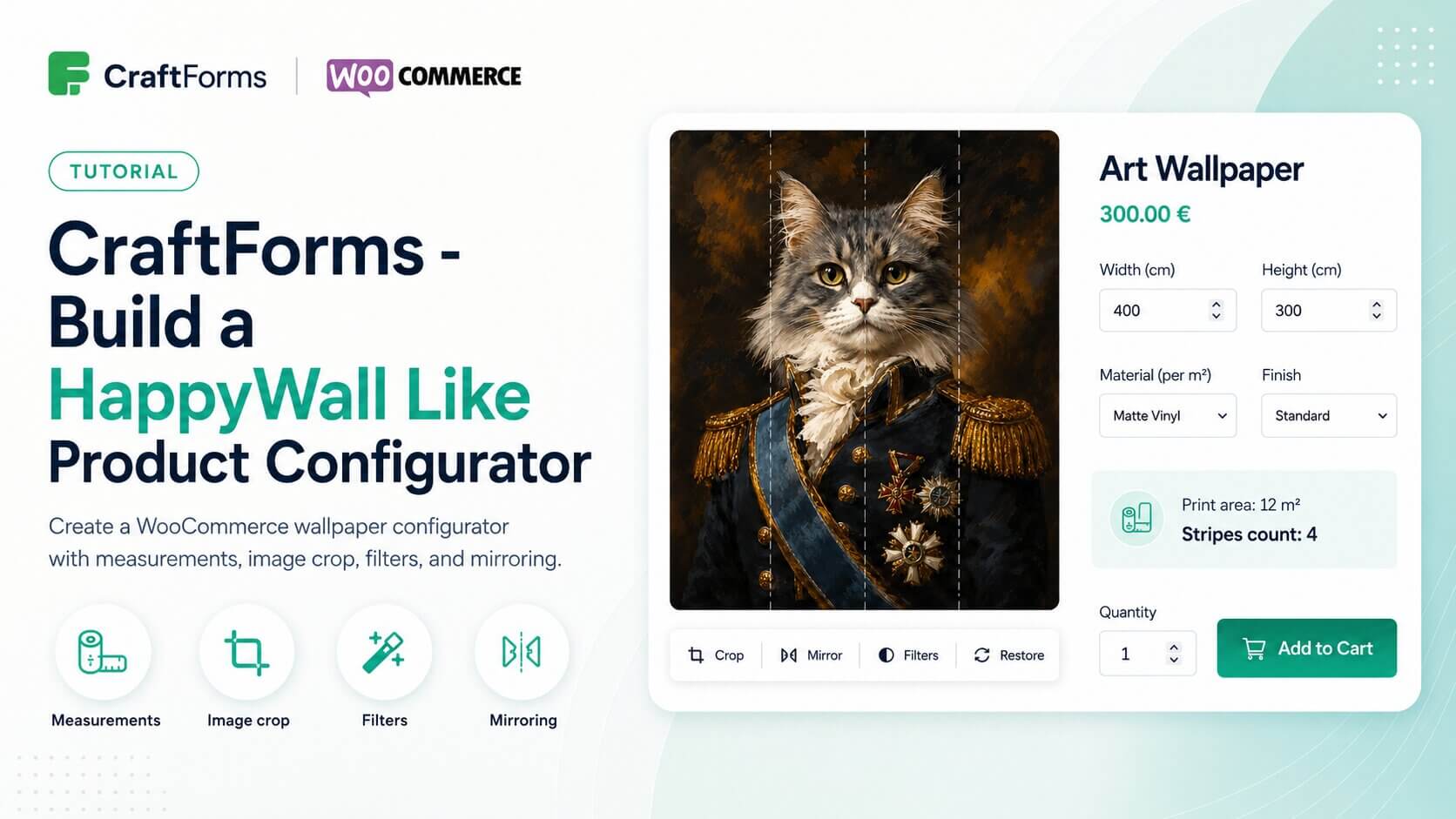
Sites like HappyWall have set a high bar for how custom-printed products should be sold online. The customer enters their wall dimensions, sees the price update instantly based on square metres, crops the design to their exact wall ratio, applies a filter or mirrors the image if they want, and places the order. The whole process feels tailored and precise — because it is. In this tutorial we build exactly that kind of configurator in WordPress using CraftForms Pro and WooCommerce.
The form uses width and height number inputs to drive a price formula: area in square metres multiplied by a per-m² rate that varies by material choice, with a finish selector adding a second modifier. A Smart Variable calculates the print area and stripe count automatically as the customer types, and both are displayed live in an Info block before checkout. The image editor embedded in the form lets the customer crop the uploaded image to match their wall ratio, apply brightness or contrast filters, and toggle horizontal mirroring — so what they see on screen matches what will be printed.
The form is attached to a WooCommerce product. On submission, the selected options, the cropped image, the calculated area, and the final price travel with the line item through the standard WooCommerce checkout and appear on the order in the admin panel exactly as configured. This tutorial is applicable to any made-to-measure printed product — wall murals, canvas prints, custom posters, or any product where the price depends on customer-specified dimensions.
Link to YT video: https://youtu.be/IhAnyZEncVM