
CraftForms 1.6 Is Here — Meet the Frames Editor, Headless Lockdown, and Bulletproof Bookings
- Category
- Article
- Published
- Updated
- Reading time
- 4 min
- Tags
- —
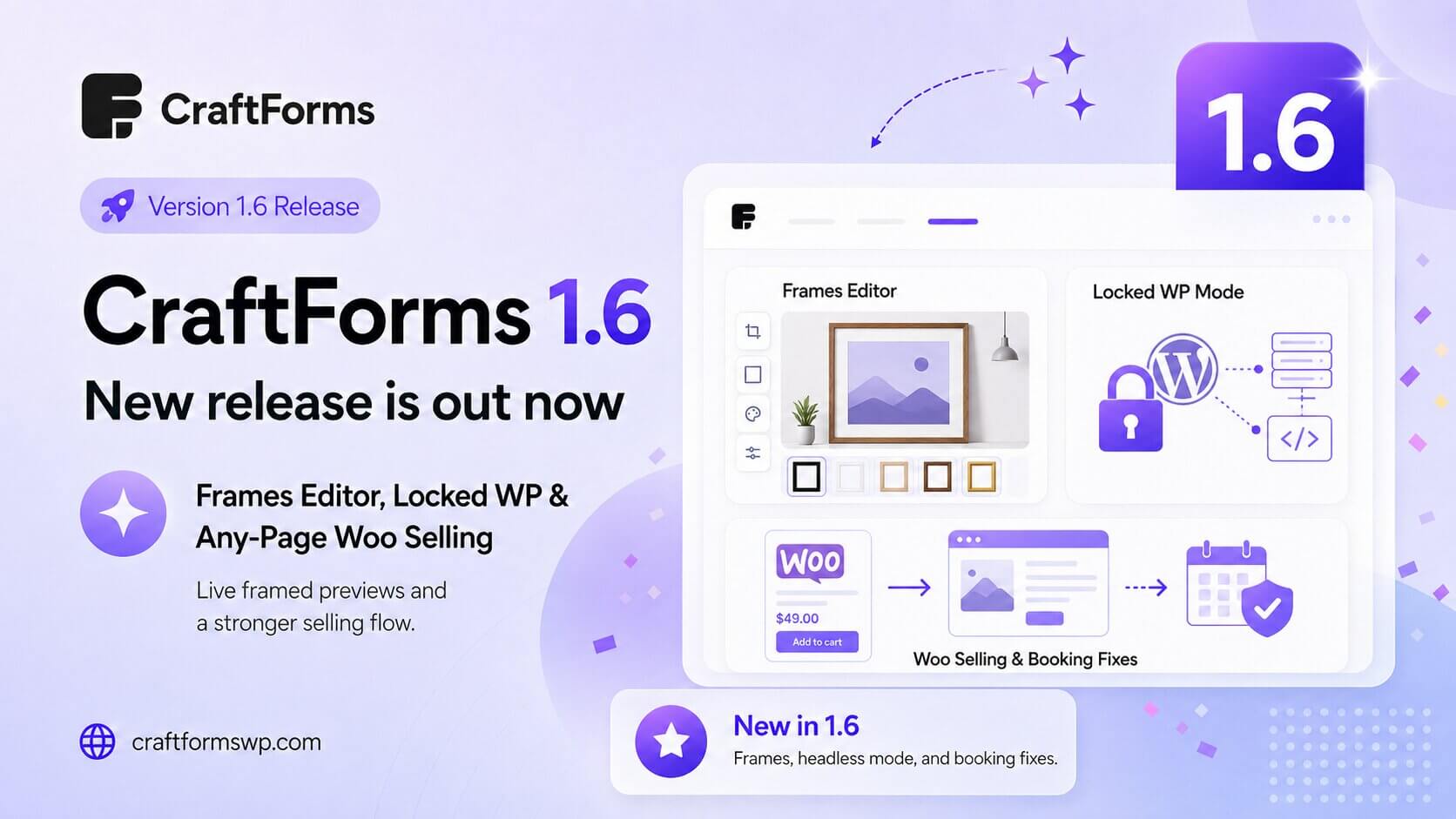
CraftForms 1.6 is out now, and this release is about giving customers a more tactile way to shop, and giving you a more solid platform underneath them. The headline is a brand-new interactive element — the Frames Editor — that lets shoppers preview a framed print in real time. Alongside it: a Locked WP mode for running WordPress as a pure headless form backend, a smoother path to selling a WooCommerce product from any page, and a fix that makes double bookings a thing of the past.
Here’s everything in 1.6.
Frames Editor — let customers preview the frame before they buy
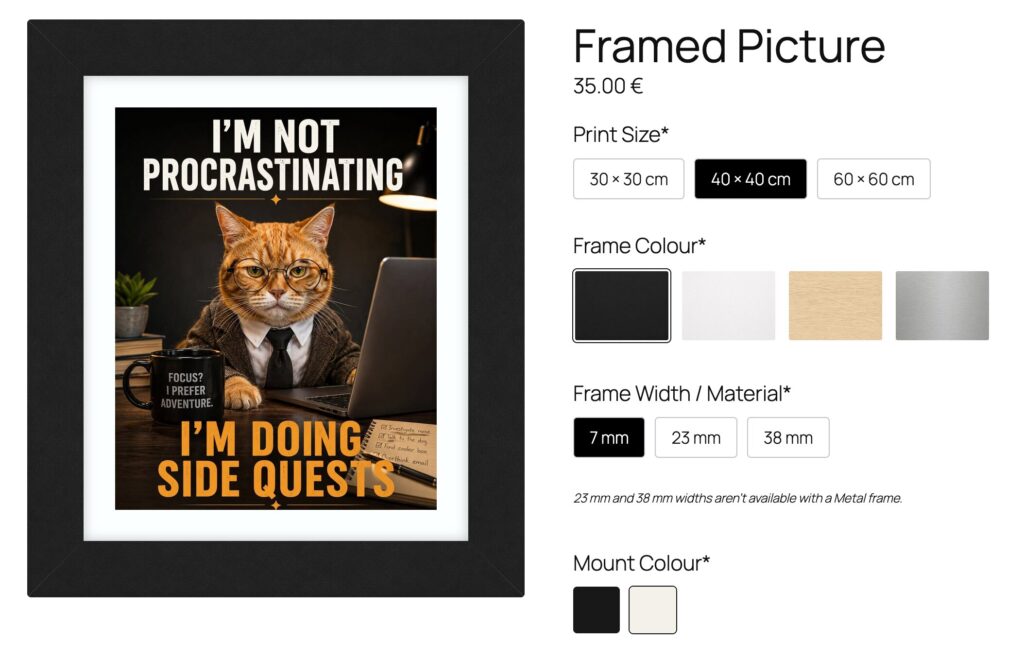
The star of 1.6 is the new Frames Editor interactive element. If you sell framed prints, canvases, photo gifts, or anything that goes on a wall, this is built for you.
Add it to a form and shoppers get a live, realistic preview: they pick a frame style, a mat/mount color and width, and watch the preview update instantly around their photo or product image. There’s even a “view it in a room” scene so customers can see roughly how the finished piece will look on their own wall before they commit. The finished composite image is saved right along with the order, so you know exactly what to produce.
It turns a flat product photo into something customers can actually configure and picture in their space — which tends to mean fewer support questions about “what will this look like” and more confident checkouts.
Locked WP mode — run WordPress as a headless form backend
1.6 adds Locked WP mode, a new setting for anyone using CraftForms to power forms embedded on a separate site — a static site built with Astro, Hugo, or similar.
Turn it on and your WordPress install locks down: public front-end pages, REST routes, and XML-RPC are closed off to anonymous visitors, while CraftForms’ own embed and submission endpoints stay open exactly as before. You still log in and manage everything as an admin — only the parts of WordPress you’re not using get shut off to the outside world. And if anything ever goes sideways, a single wp-config.php constant is a guaranteed way to switch it back off.
It’s a small setting with a specific job: let WordPress be the engine for your forms without also being a second, unnecessary public website.
Sell a product from anywhere — shortcode + WooCommerce, improved
1.6 improves how a form connects to a WooCommerce product when embedded via shortcode. Connect a form to a product and add it with , and the full add-to-cart experience — price, options, and all — now displays cleanly wherever you drop that shortcode, not just on the product’s own page.
Combined with better support for page builders’ product widgets, it’s now more reliable to feature a product-connected form on a landing page, a bundle page, or anywhere else you want to sell — without wrestling with where WooCommerce normally expects that markup to live.
No more double bookings
Booking the same slot twice used to be possible in one specific situation: two customers checking availability and confirming a booking at almost the same moment. Both could pass the availability check before either booking was actually recorded, and both would go through — leaving you overbooked.
1.6 closes that gap by making every booking write atomic: each reservation now checks and reserves the slot in a single guarded database operation, so if two bookings race for the same slot, only one can win. Multi-night stays are protected the same way — if any night in the range can’t be secured, the whole booking rolls back rather than leaving you with a booking that’s only partially confirmed. The result: reliable capacity limits, even under real demand.
Fixes and polish
1.6 also ships two fixes worth calling out:
- Add to cart no longer clears your cart. A timing issue meant that, in some cases, adding a CraftForms-connected product to the cart could wipe out whatever else the customer already had in it. That’s fixed — existing cart items now stick around.
- Multi-file upload fields now receive every file. Fields that accept multiple files were only getting the last one through; all selected files now upload correctly.
Get CraftForms 1.6 today
CraftForms 1.6 is about letting customers preview what they’re buying, giving you a safer way to run headless forms, making product-connected forms easier to place anywhere, and making sure your bookings hold up under real traffic. Update now to get all of it.
New to CraftForms? The free version gives you the full block-based form builder to start with today — the Frames Editor, Locked WP mode, and WooCommerce features arrive with Pro.