
Build a Bean Bag Product Configurator in WooCommerce
- Category
- Video
- Published
- Updated
- Reading time
- 1 min
- Tags
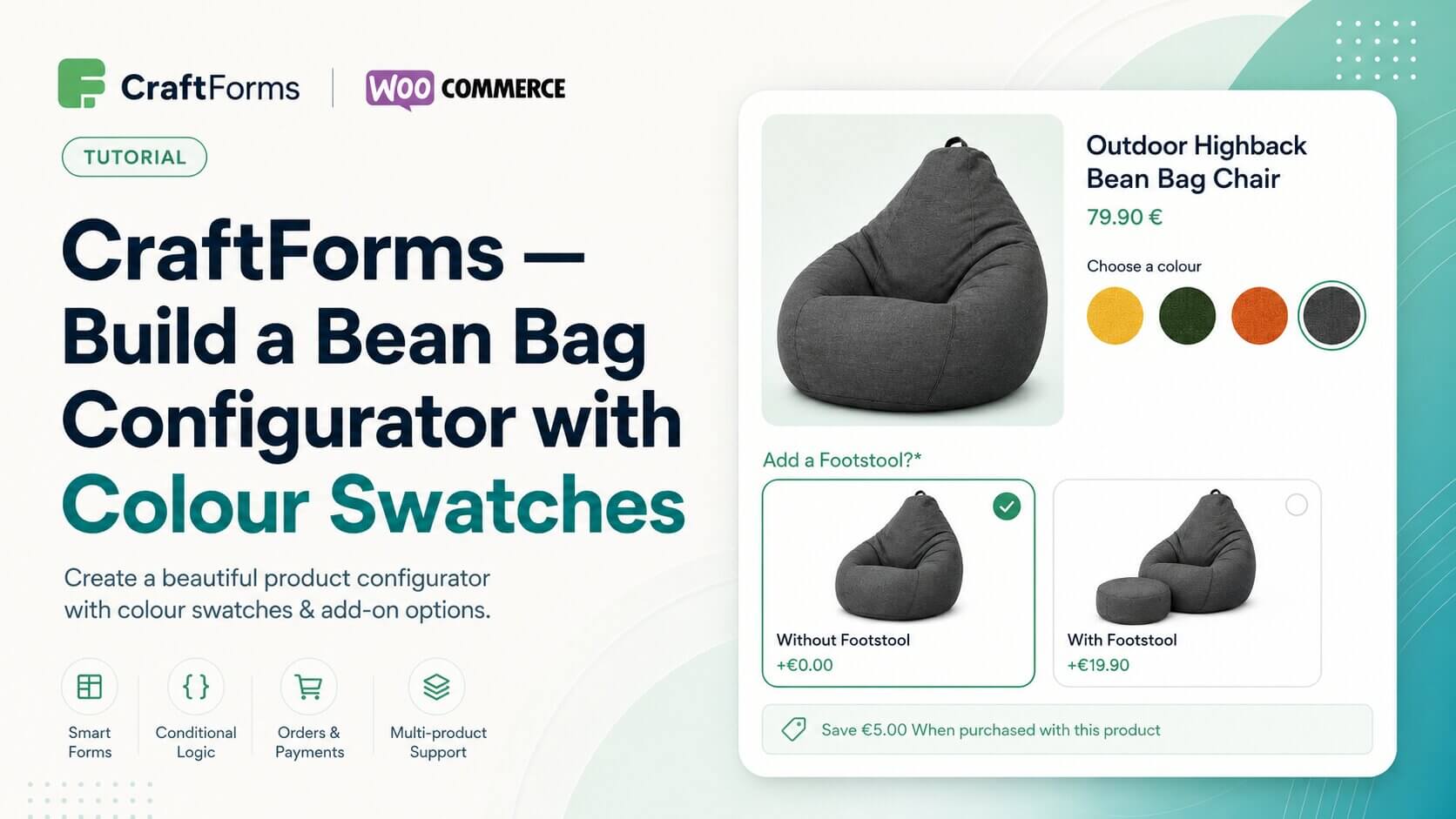
Some of the best product pages make configuration feel effortless — pick a colour, choose an optional extra, see the price update, add to cart. Big Bertha Original does this well on their bean bag chair pages: fabric colour swatches, an optional footstool as a visual choice with a clear price difference, and a bundle saving shown inline. In this tutorial we recreate exactly that kind of experience in WordPress using CraftForms Pro attached to a WooCommerce product.
The form uses a radio field with image swatches for colour selection and a second radio field for the footstool option, each showing its own image and price modifier. A Smart Variable adds the footstool price on top of the base when selected, displayed as a live total before the customer hits Add to Cart — all built inside Gutenberg, no custom code required.
Once connected to a WooCommerce product, the selected options and calculated price travel with the line item through standard WooCommerce checkout and appear on the order in the admin panel exactly as configured.
The full tutorial is on YouTube and CraftForms Pro is available at craftformswp.com.