
Add Forms to a Hugo Site With a WordPress Backend
- Category
- Tutorial
- Published
- Updated
- Reading time
- 3 min
- Tags
Hugo builds sites at a speed that makes everything else feel slow. It also, by design, has no idea what to do with a form submission — it’s a static generator, and there’s no server on the other end. The moment your Hugo site needs a contact form, a booking, or a quote request, you’re shopping for a backend.
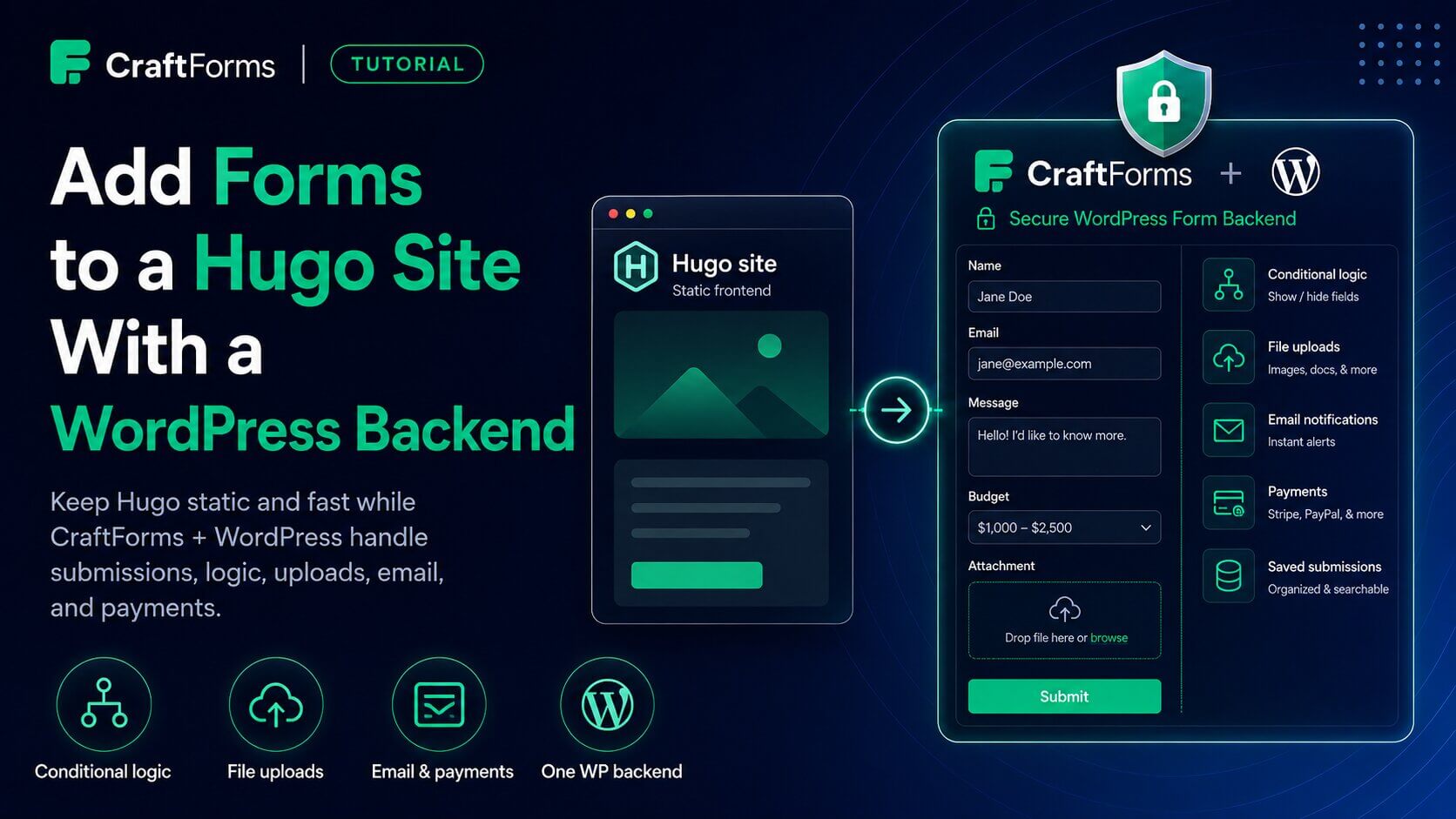
You can point that form at a hosted endpoint and hope you don’t outgrow its limits. Or you can use a backend you fully control: a locked-down WordPress install running CraftForms, serving forms to your Hugo site and handling every submission. Same fast Hugo frontend, a real form engine behind it.
For the full architecture and how to lock the WordPress side down, see Use WordPress as a Locked-Down Form Backend for Static Sites. This post is the Hugo integration.
How it fits together
Build the form once in WordPress. On your Hugo pages, use a shortcode (in content) or a partial (in templates) that outputs a small placeholder. At runtime embed.js fetches the live form from your backend and renders it. Submissions post back to WordPress, which validates, stores, and routes them.
The form isn’t baked into your Hugo build, so editing it in WordPress needs no rebuild.
Setup
1. Build the form in CraftForms
A normal CraftForms form — fields, conditional logic, validation, email notifications, and payments if you need them.
2. Enable external submissions + create an embed key
Submission settings → Allow External Submissions, then CraftForms → Settings → Embed → create a key bound to your Hugo site’s domain. Copy it.
3. Install the Hugo helpers
Copy these from the plugin’s examples/static-site/hugo/ into your Hugo project, preserving structure:
layouts/shortcodes/craftform.html   → use from Markdown content
layouts/partials/craftform.html     → use from templates
Set your backend URL once in hugo.toml:
[params.craftforms]
  wpUrl = "https://forms.example.com"
4. Use it
From a content file:
## Get in touch

{{< craftform key="aHR0cHM6Ly9mb3Jtcy5leGFtcGxlLmNvbQ.abc123" >}}
With a catalog item for pricing:
{{< craftform key="…" resourceId="42" >}}
From a template (e.g. a booking layout):
{{ partial "craftform.html" (dict "key" .Params.formKey "resourceId" .Params.catalogItem) }}
Both emit the same snippet:
<div data-craftforms-embed="…"></div>
<script src="https://forms.example.com/wp-content/plugins/craftforms/build/webcomponents/embed.js" defer></script>
What this buys you over a hosted endpoint
- No submission caps — it’s your database.
- Conditional logic, file uploads, real validation — enforced server-side, not just hinted in the browser.
- Branded confirmation and notification emails, with attachments.
- Payments via Stripe inside the form.
- Data ownership — submissions never leave infrastructure you control.
- Multiple forms, one backend — every Hugo site you run can share it.
Security notes
- The embed key is domain-bound; the backend validates request
Origin. - Prices, stock, and capacity are re-verified server-side on submit.
- The WordPress install is locked down to a near-zero attack surface.
- No built-in CAPTCHA yet — add a required request header to the form as a shared-secret spam gate on public endpoints.
Same idea, other stacks
If you also build with Astro or Builderius, the mechanism is identical — an Astro <CraftForm /> component and a Builderius shortcode both emit the same embed placeholder. One backend, one embed model, every static toolchain.
CraftForms embedding and external submissions are CraftForms PRO features.