Tag: catalog

  • How To Build a Product Configurator With Live Pricing in WordPress — a Roller Blinds Example

    How To Build a Product Configurator With Live Pricing in WordPress — a Roller Blinds Example

    Most form plugins stop at collecting data. CraftForms Pro lets you go further: define a pricing formula, show the customer a live price before they hit submit, and turn every submission into a tracked order — all inside the block editor, without WooCommerce or a separate booking plugin.

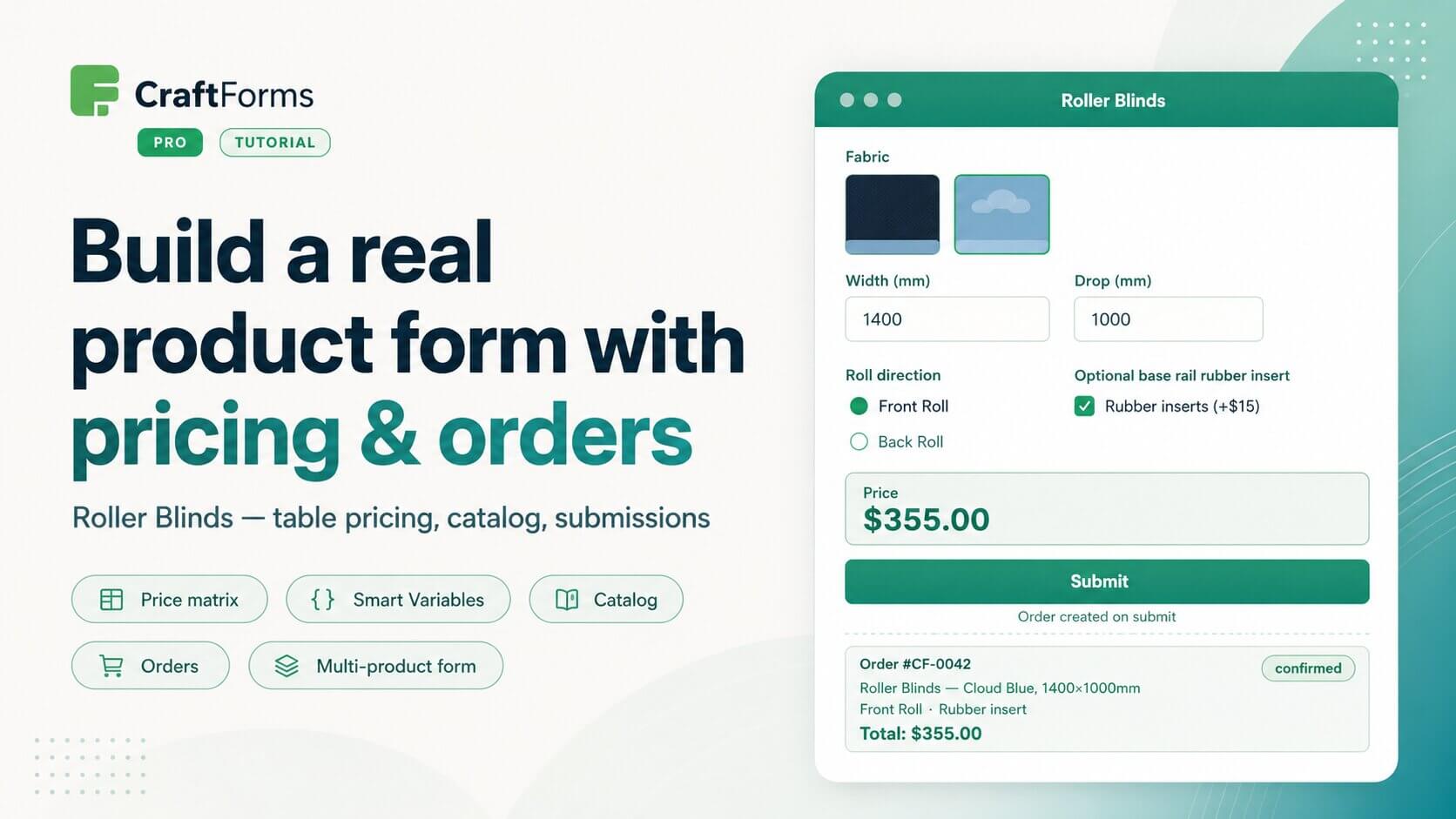
    To make this concrete, this tutorial builds a real-world example: a roller blinds configurator. The form has a fabric selector with image swatches, width and drop number inputs, a roll direction radio group, and an optional rubber insert checkbox. The price is calculated using a 2D pricing matrix — width against drop — with the optional insert added on top as a flat fee. Smart Variables handle the formula; the result appears live in an Info block as the customer configures their blind.


    Roller blinds tutorial1
    Editing form in Gutenberg

    Roller blinds tutorial2
    Smart variables

    Roller blinds tutorial3
    Front end form

    From there we show two modes of operation. In the first, the form works as a quote request: the submission is saved as a record, and an email notification goes out. In the second, the form is connected to a catalog item, and every confirmed submission creates an order with a full status lifecycle — pending, confirmed, paid — identified by a secure token-based URL you can share directly with the customer.

    The last part of the tutorial demonstrates a key design principle: one form, multiple products. A second catalog item — double roller blinds — is created and attached to the same form. It brings its own pricing table and adds one extra option, but the form itself is unchanged. If you sell a range of products that share the same configuration logic, you define the form once and create a catalog item per product. Price logic and defaults live on the catalog item; the shared form handles layout, validation, and submission.


    The full tutorial is on YouTube: